 DayWindow
Know the day you must leave.
It counts the days you have used and the days you have left, from dates you enter yourself, and then it shows you its working.
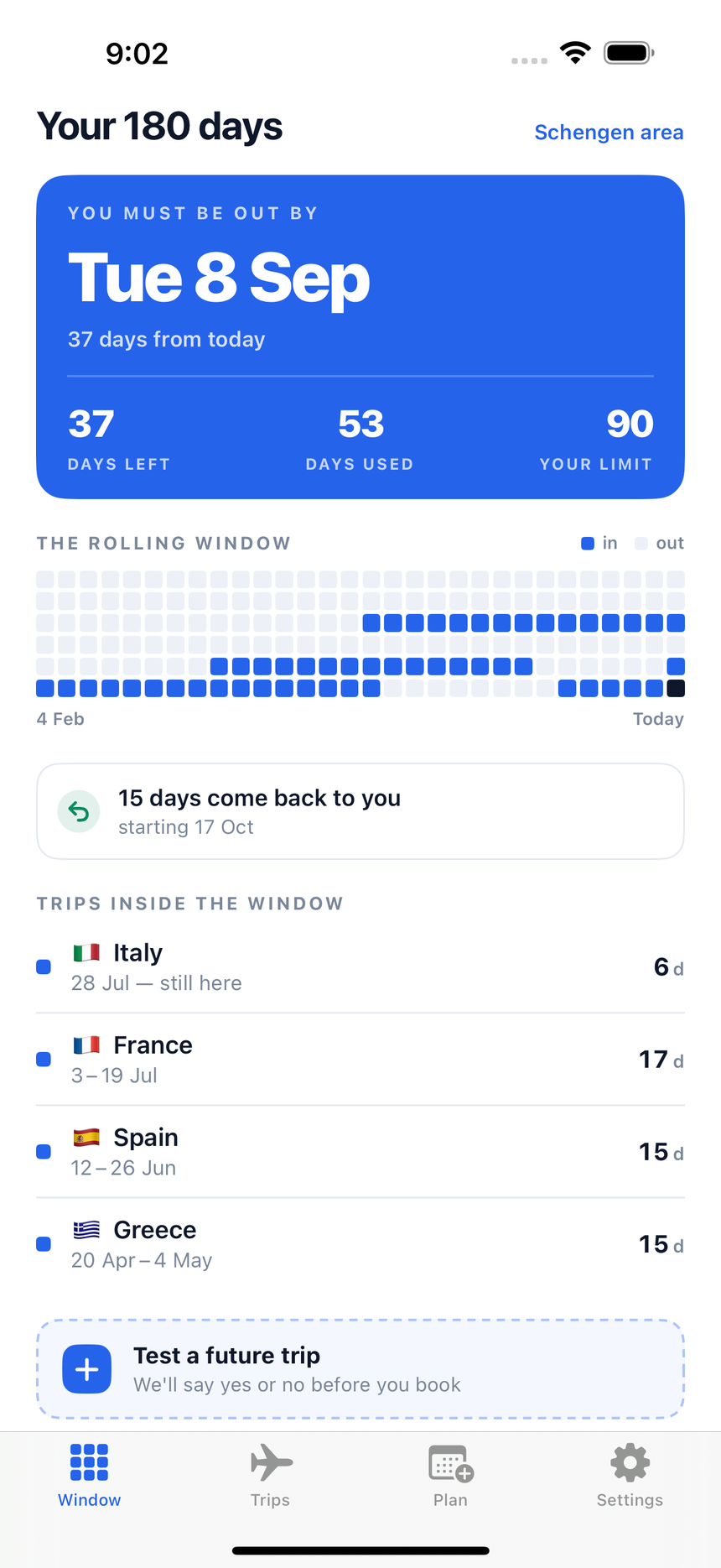
You type nothing. It still never guesses.
DayWindow never reads your location and never reads your photos. You say where you were, and it counts.
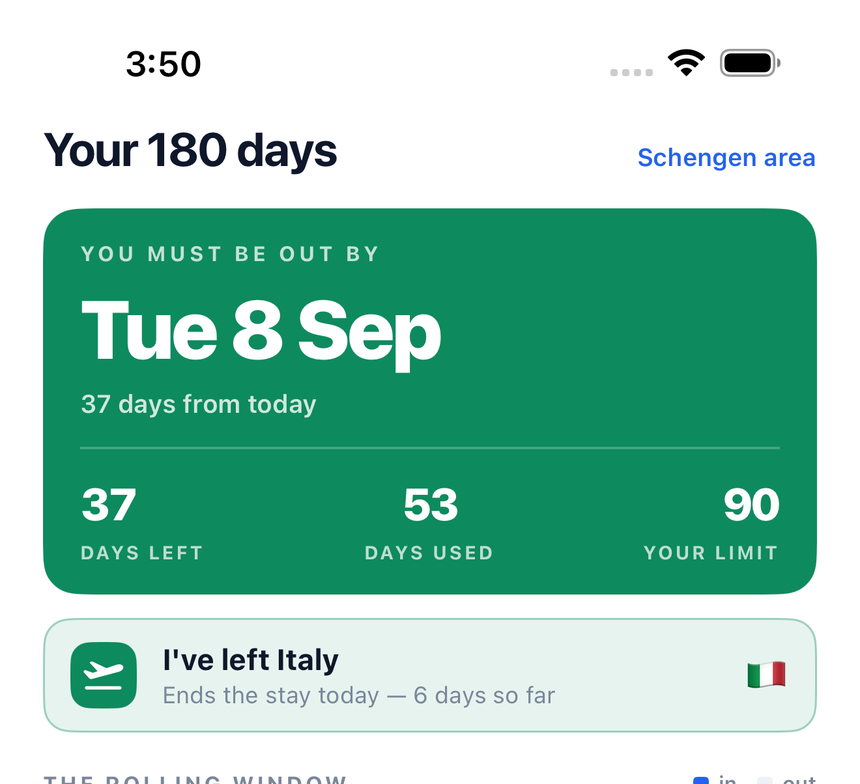
“I’m here now” — one tap when you land, one when you leave. That is the whole trip recorded, and you are still the one who said it.
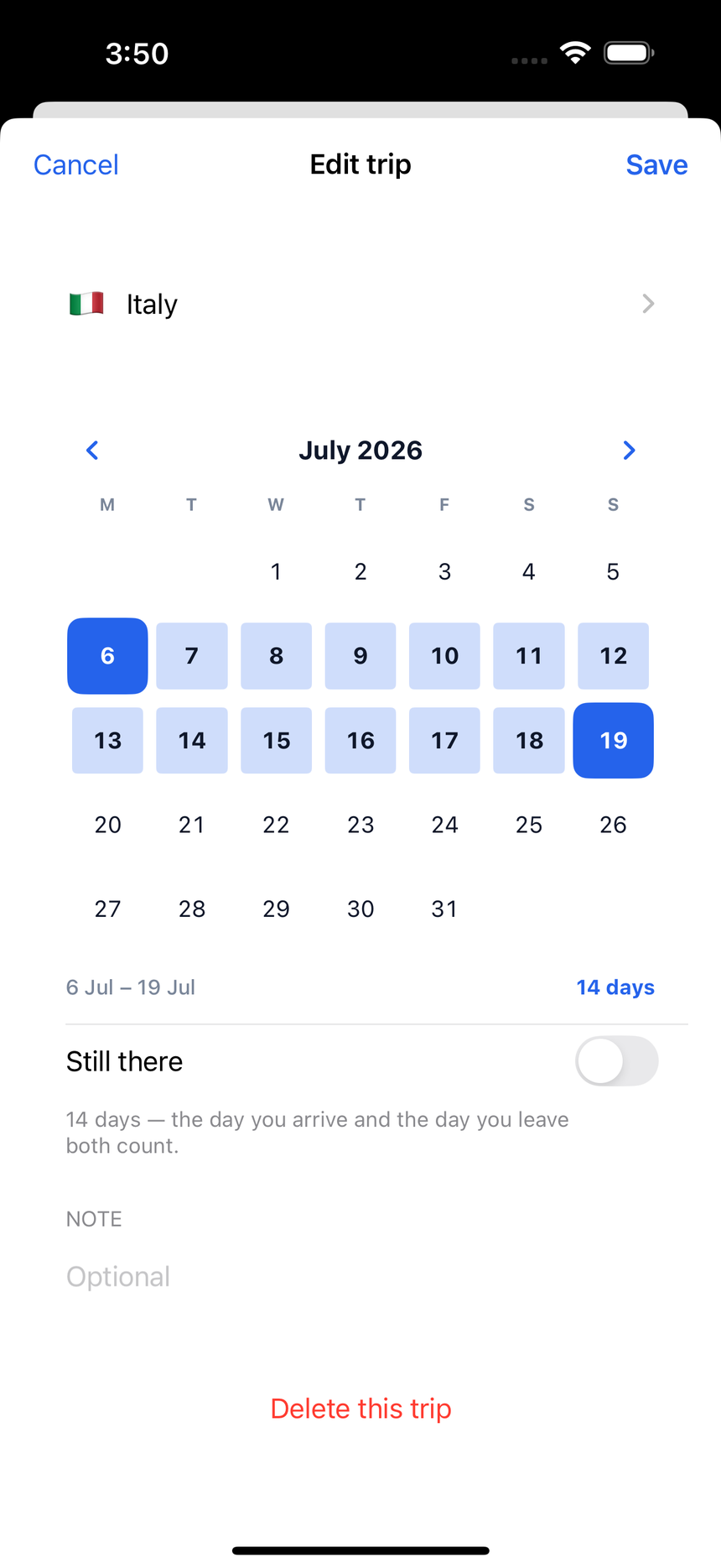
Drag across the days you were there.
No date wheels. Sweep your finger from the day you landed to the day you left, and the days between fill in. It counts as you go, and both ends count.
Already have the list? Paste it.
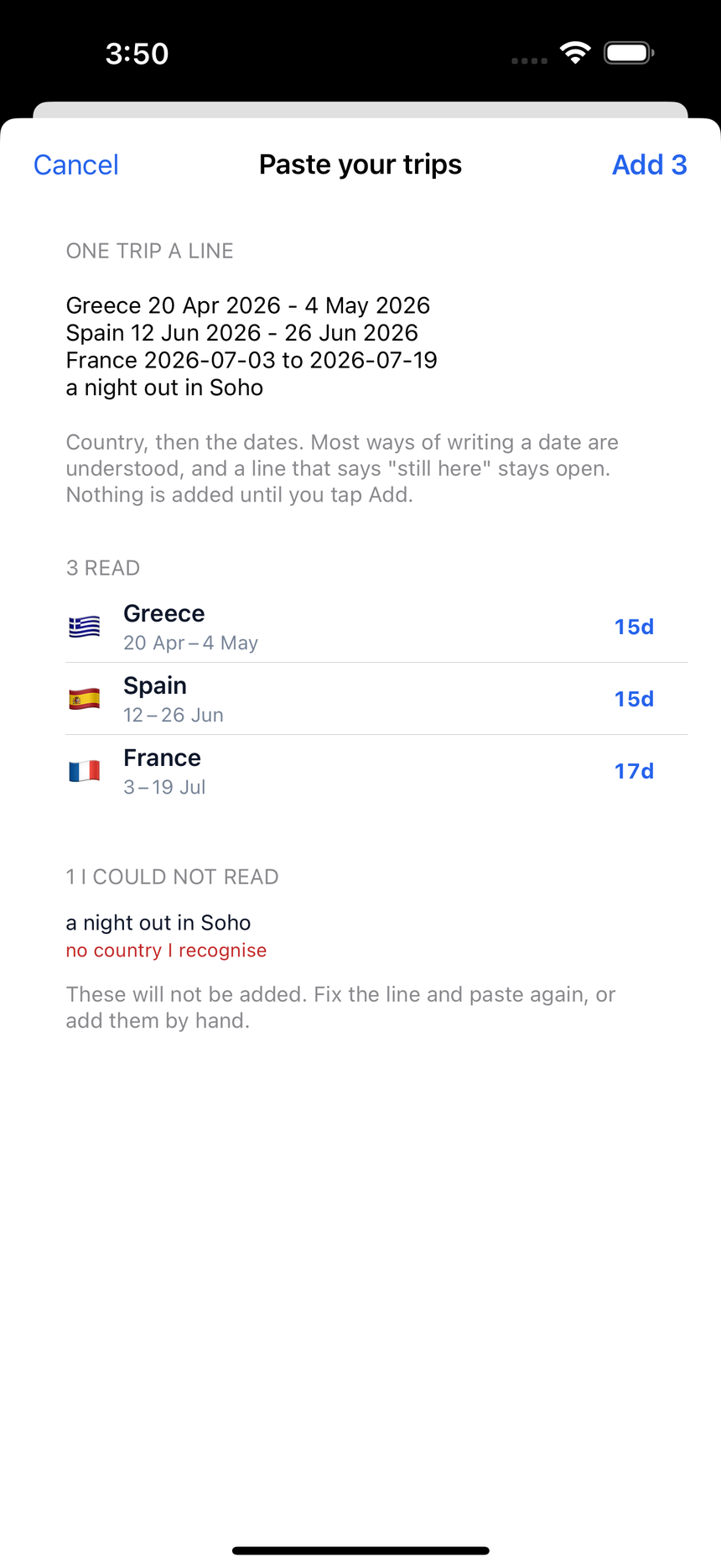
From a note, a spreadsheet, an email. It reads most ways of writing a date, keeps a stay open if the line says you are still there, and shows you everything before it adds anything.
A line it cannot read is listed with the reason, never quietly dropped.
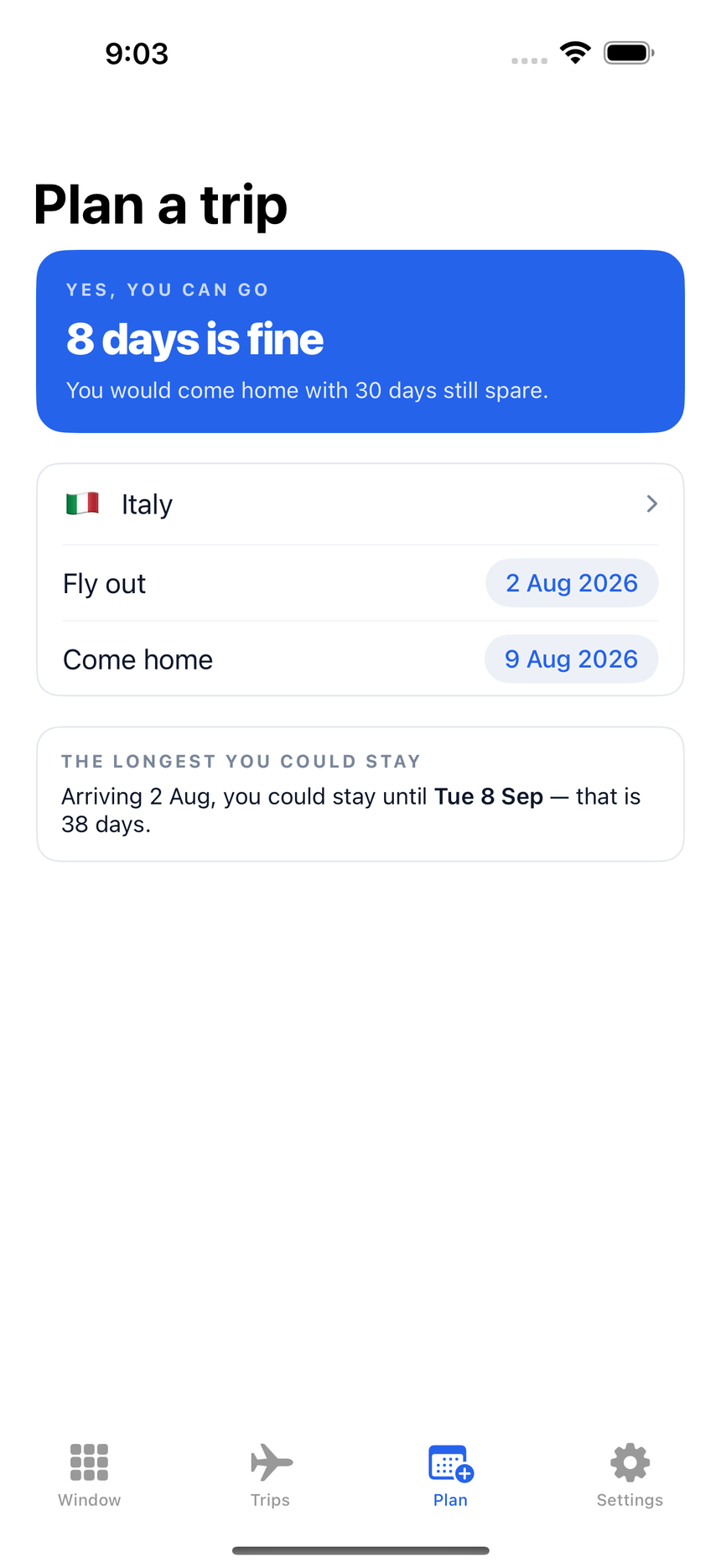
Ask it before you book.
Put in the dates you are thinking about. It shows you straight away whether they fit the days you have left, and draws your window as it will be on the day you come home. It counts days only. It does not check visas, permits or any other entry rule.
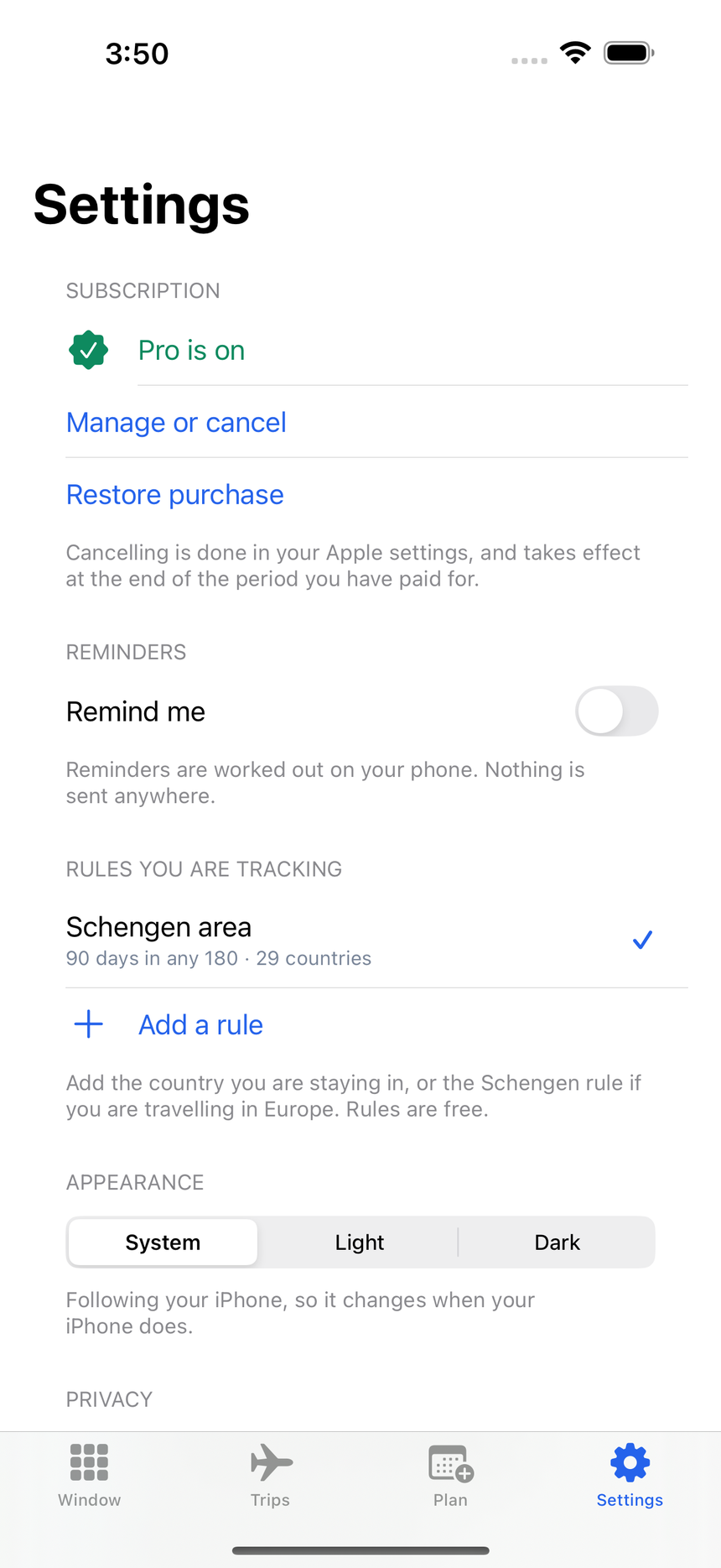
Europe’s 90 days. Your country’s 183.
Track the Schengen limit across all 29 countries at once, and a 183-day residency rule for a country you choose, and you pick the day its year starts.
Switch between them in a tap. Rules cost nothing.
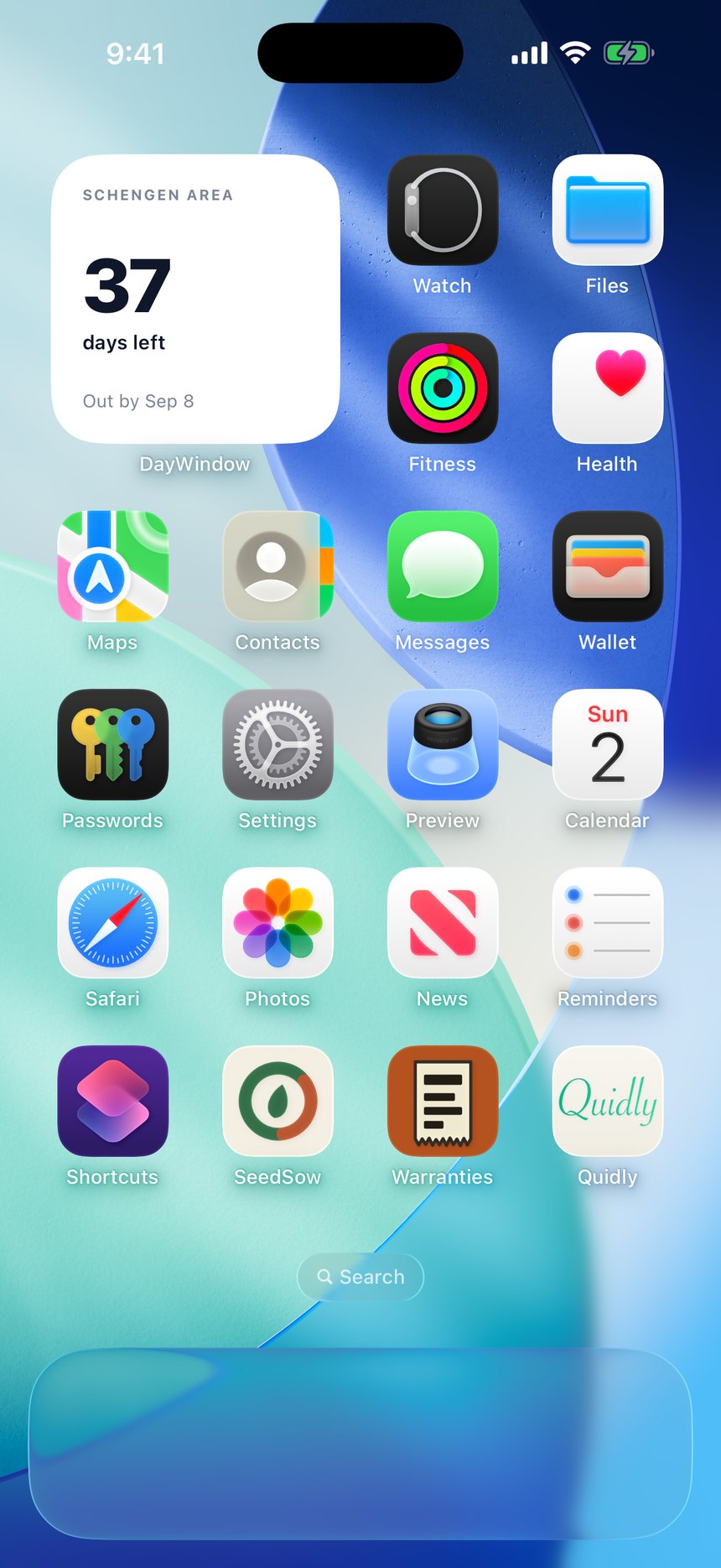
Your number, without opening anything.
A home screen and lock screen widget with the days you have left and the date you must be out by. Reminders too, days before you are in trouble.
Both are free. They are worked out on your phone and sent nowhere.
It cannot leak what it never had.
No account, no sign-up, no server of ours. Your trips are a small file on your iPhone, with a free copy in your own iCloud so a new phone is not a blank page. Switch that off in one tap if you would rather it stayed put. DayWindow never reads your location, never reads your photos. There is no tracking and no advertising.
Most of it is free.
The counting, the 180-day window, the leave-by date, the rules, reminders and the widget cost nothing. Two things are paid: testing a trip before you book it, and recording more than ten trips.
Prices shown are in pounds; your own App Store shows the price in your currency. There is no free trial. A subscription renews automatically until you cancel it, which you can do at any time in your iPhone Settings under your Apple Account. Payment is taken by Apple.